Name your Presets
What's in a name? Everything! Remorari™ lets you name your presets. Why try to remember "preset 14" when you can remember "Infinite Glitch"?



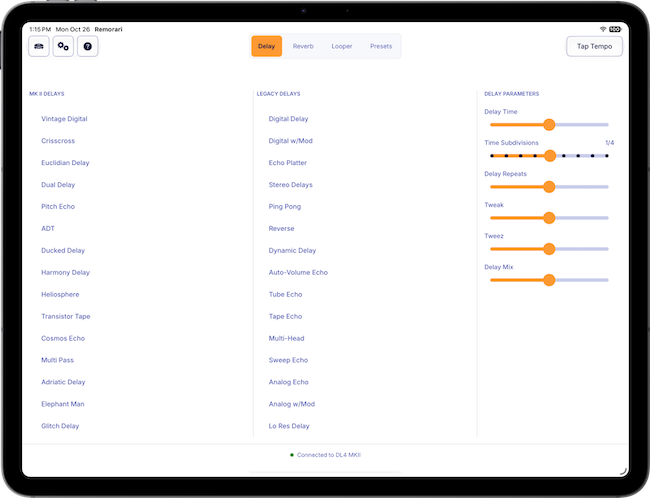
No cheat sheet required! Access Delay, Reverb, the Classic Looper and every Preset with a simple, intuitive interface.
Select your pedal from a list of connected MIDI devices, and you're good to go. Remorari remembers your selection and connects automatically.
MkII and legacy delays are good neighbours, easily accessible without any additional effort.
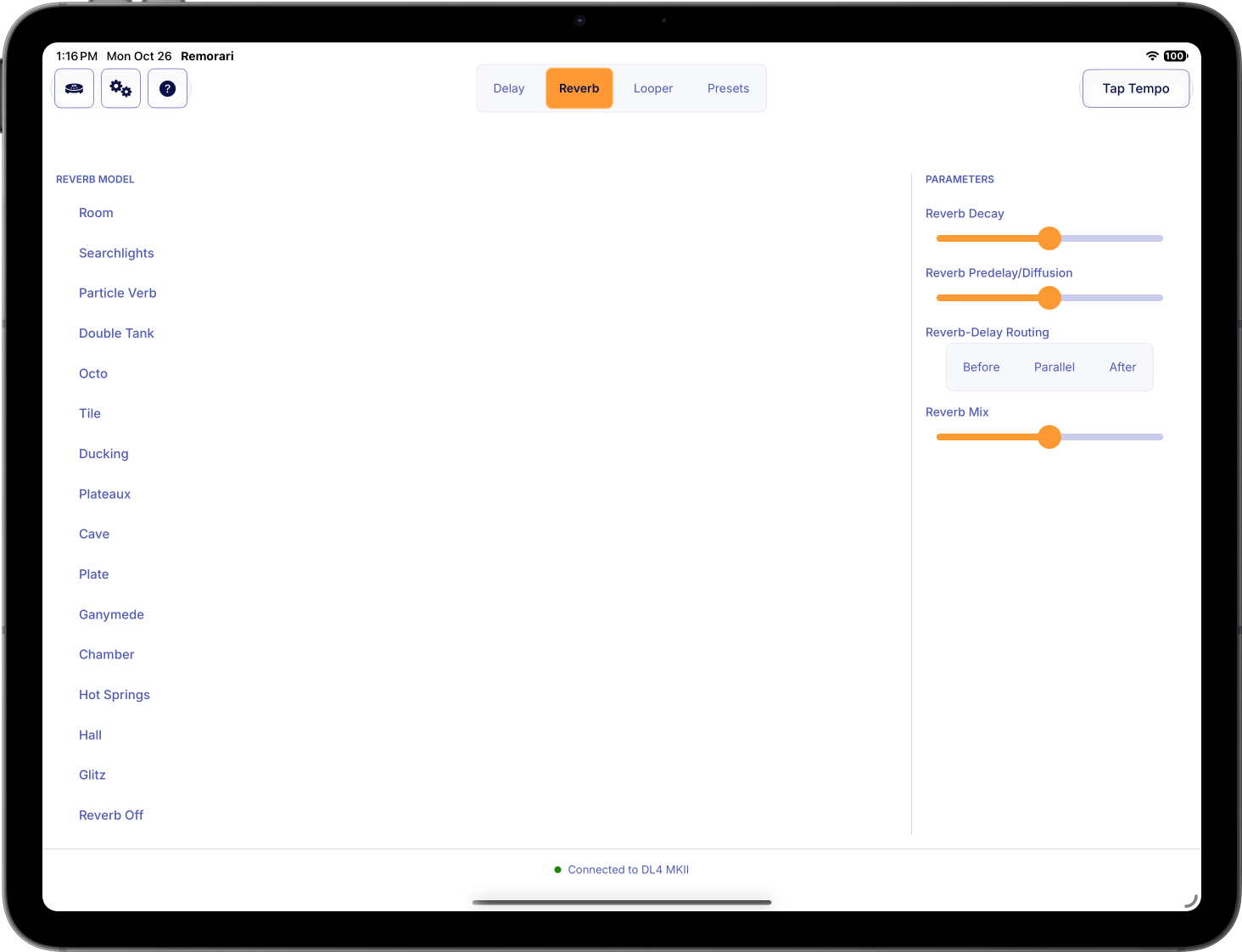
No secrets here - access reverb effects as easily as delays, with a single button tap.
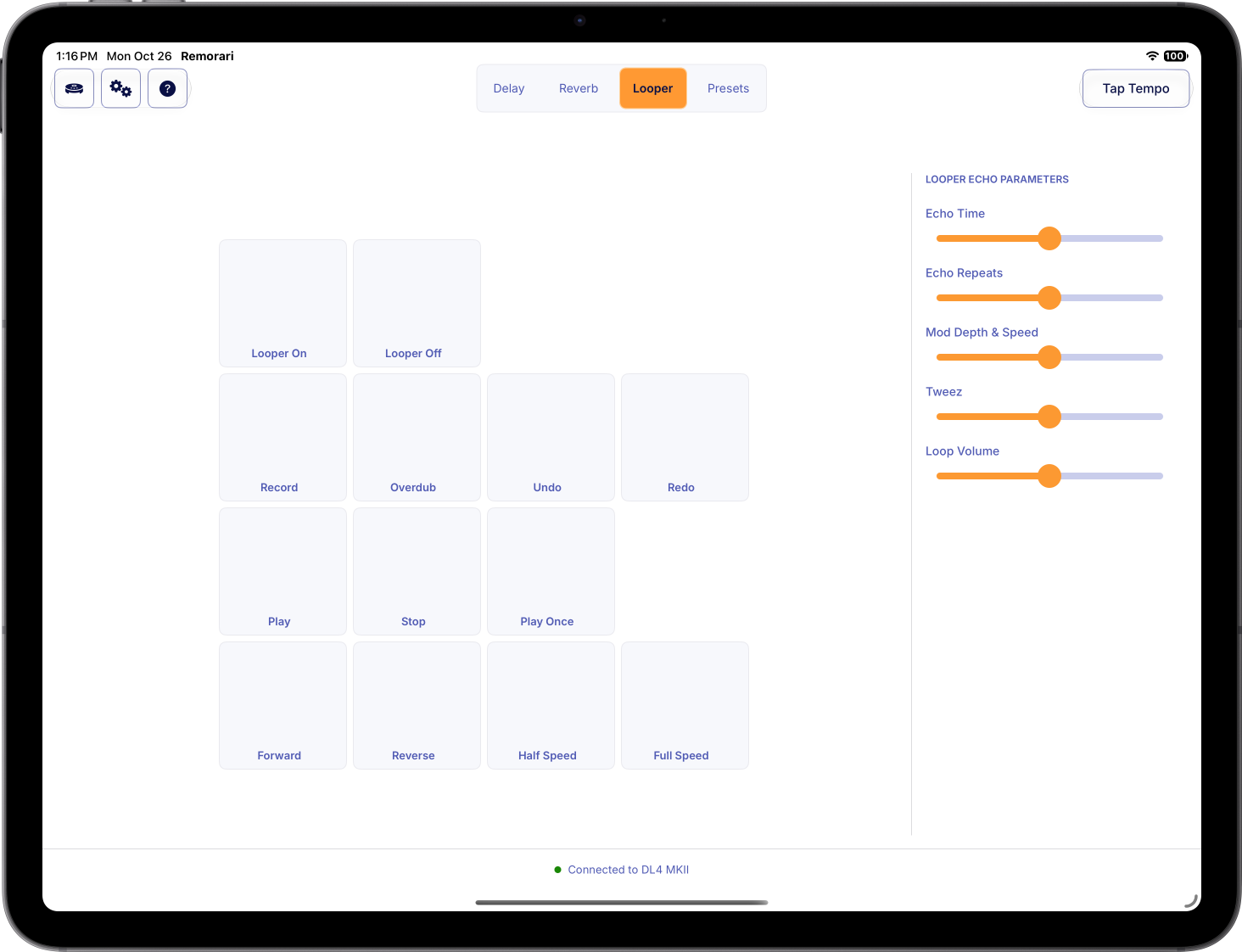
Classic looper functionality is a tap away. All controls get their own button - no toggling or double-tapping required.
Tweak and tweez controls update based on the selected delay/reverb so you know exactly what you're tweaking and tweezing.
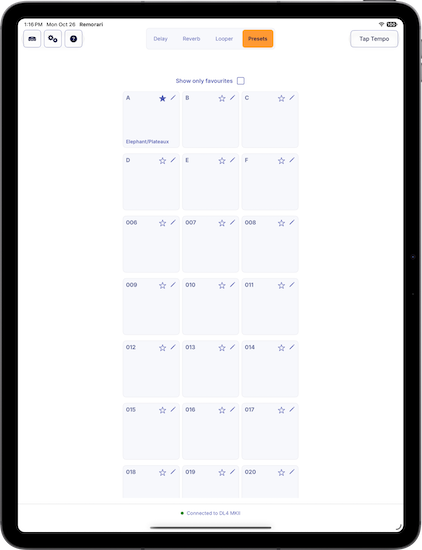
All 128 presets are just a tap away.
Access all 128 available presets with Remorari™. But it doesn't stop there.
What's in a name? Everything! Remorari™ lets you name your presets. Why try to remember "preset 14" when you can remember "Infinite Glitch"?
Have some favourites among your presets? Filter to show only your favourites with the tap of a button.
If you use Remorari™ on multiple devices, your preset names and favourites will sync automatically (you just need to be signed into your iCloud account).
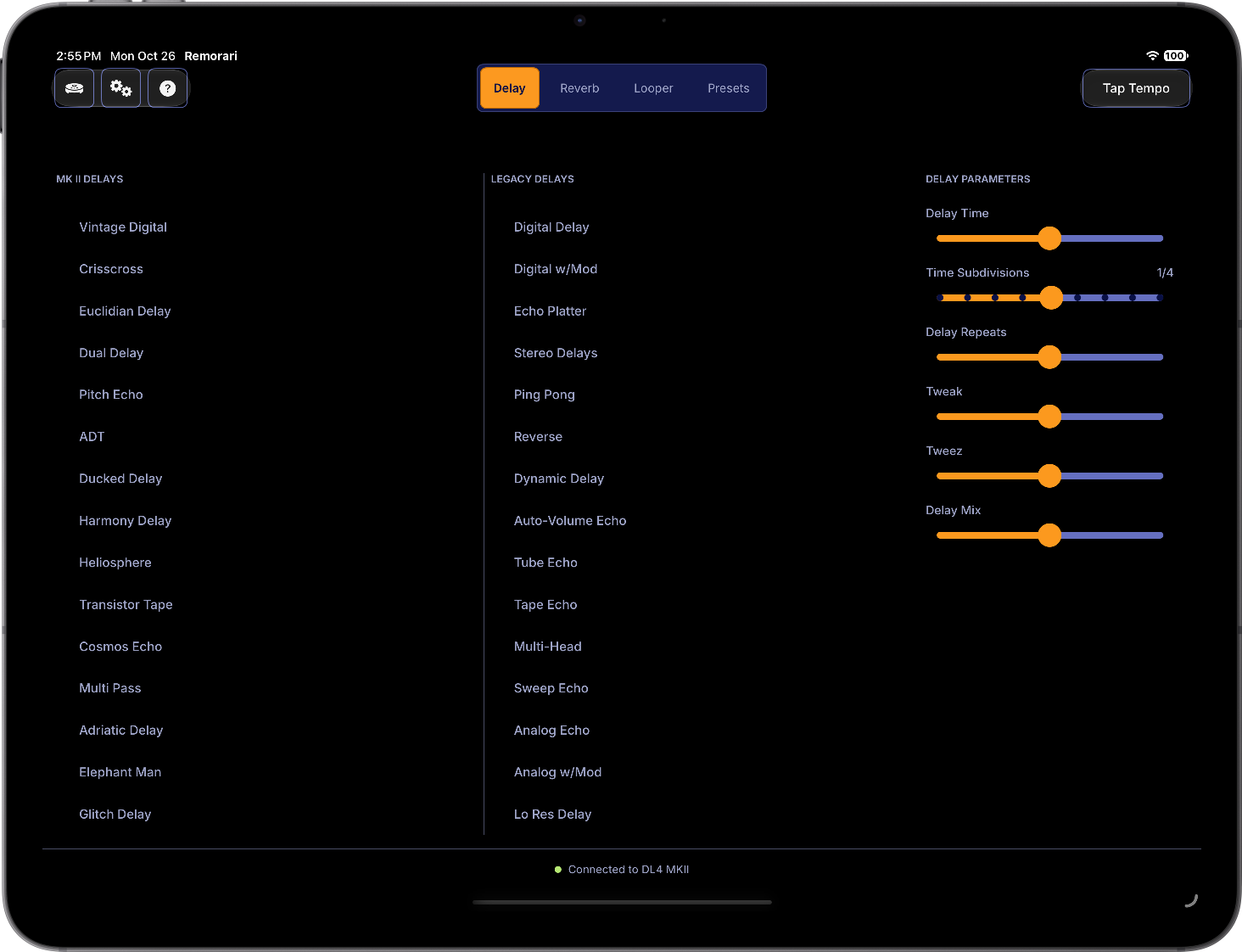
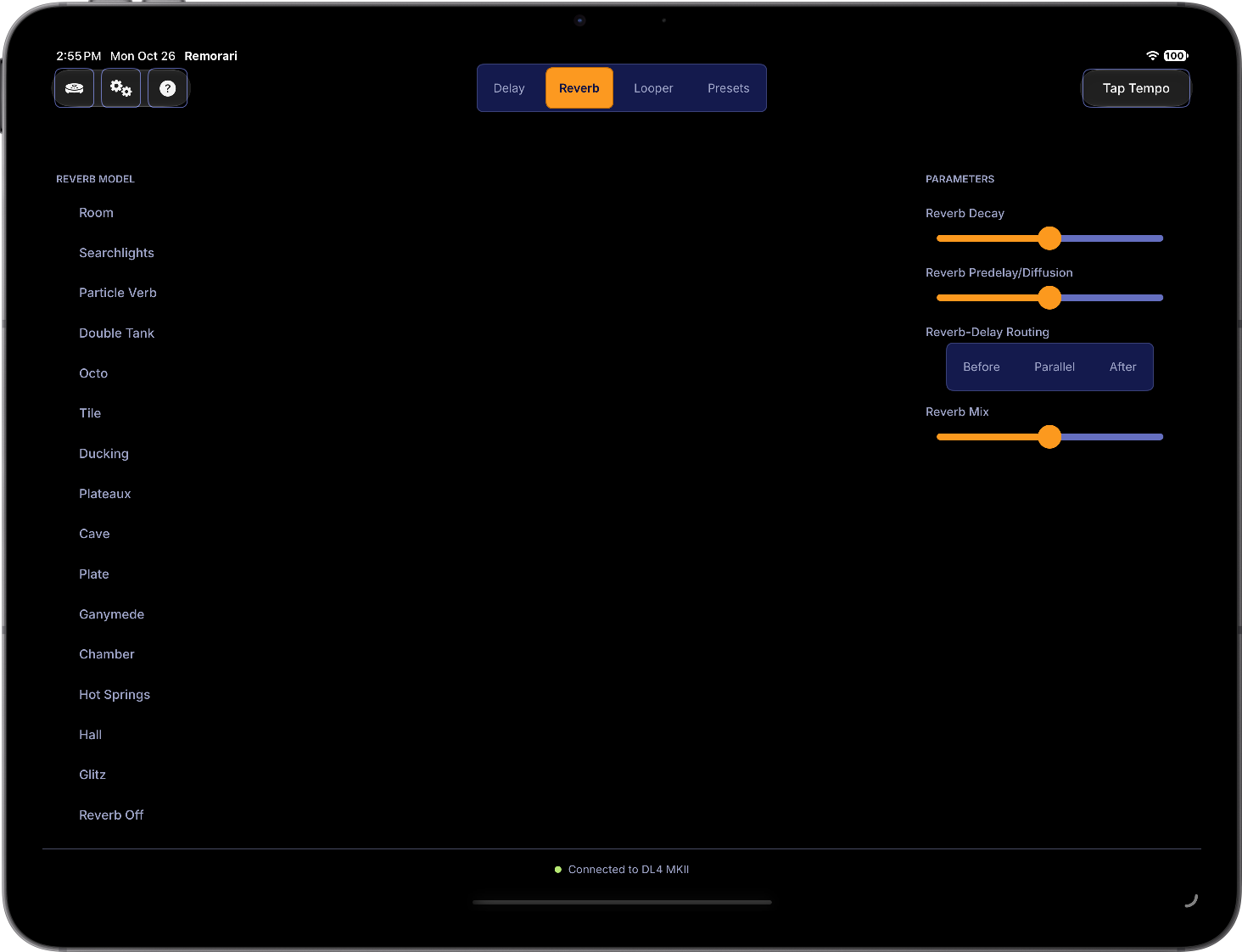
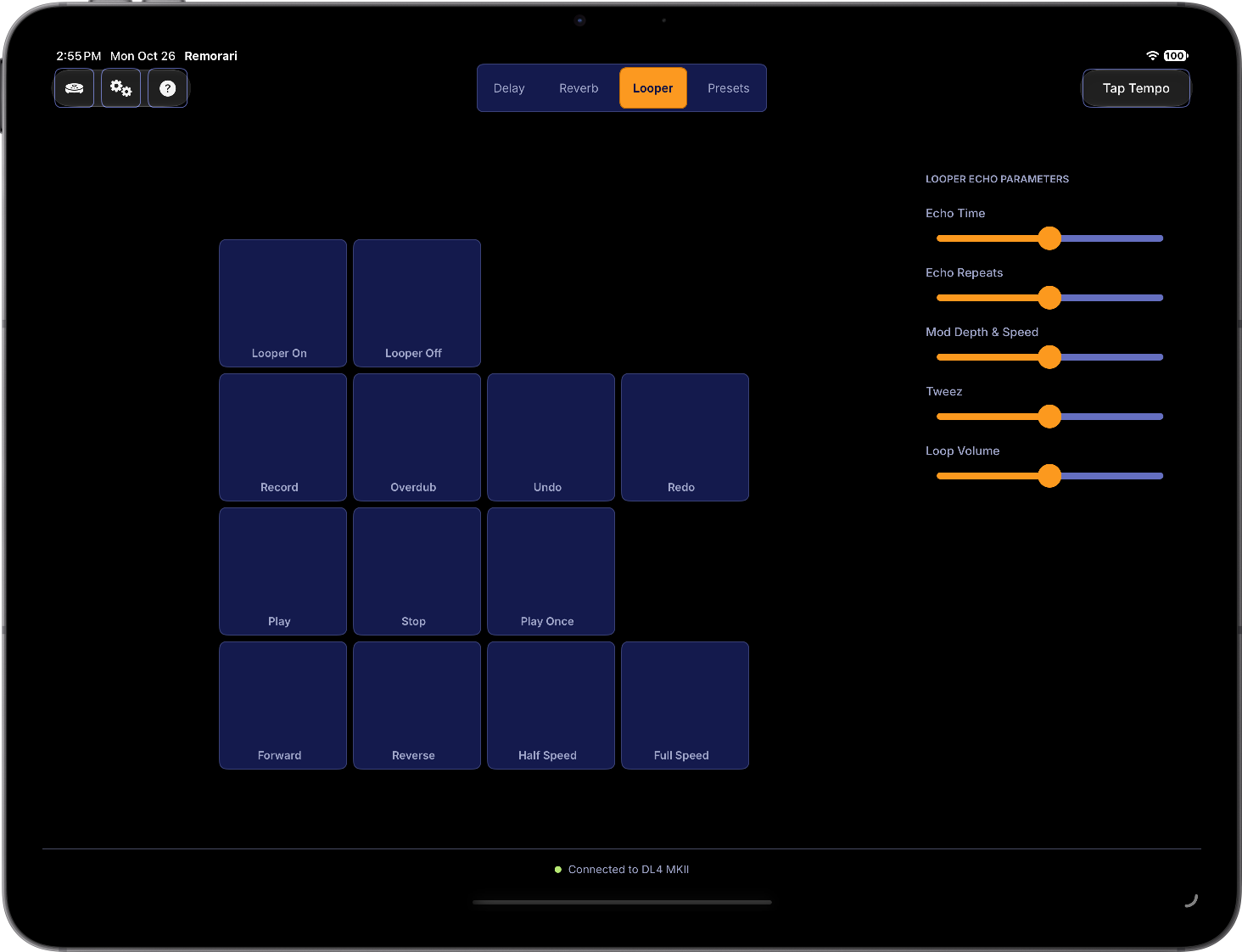
Remorari supports dark mode, with a consistent user interface for iPad and Mac.
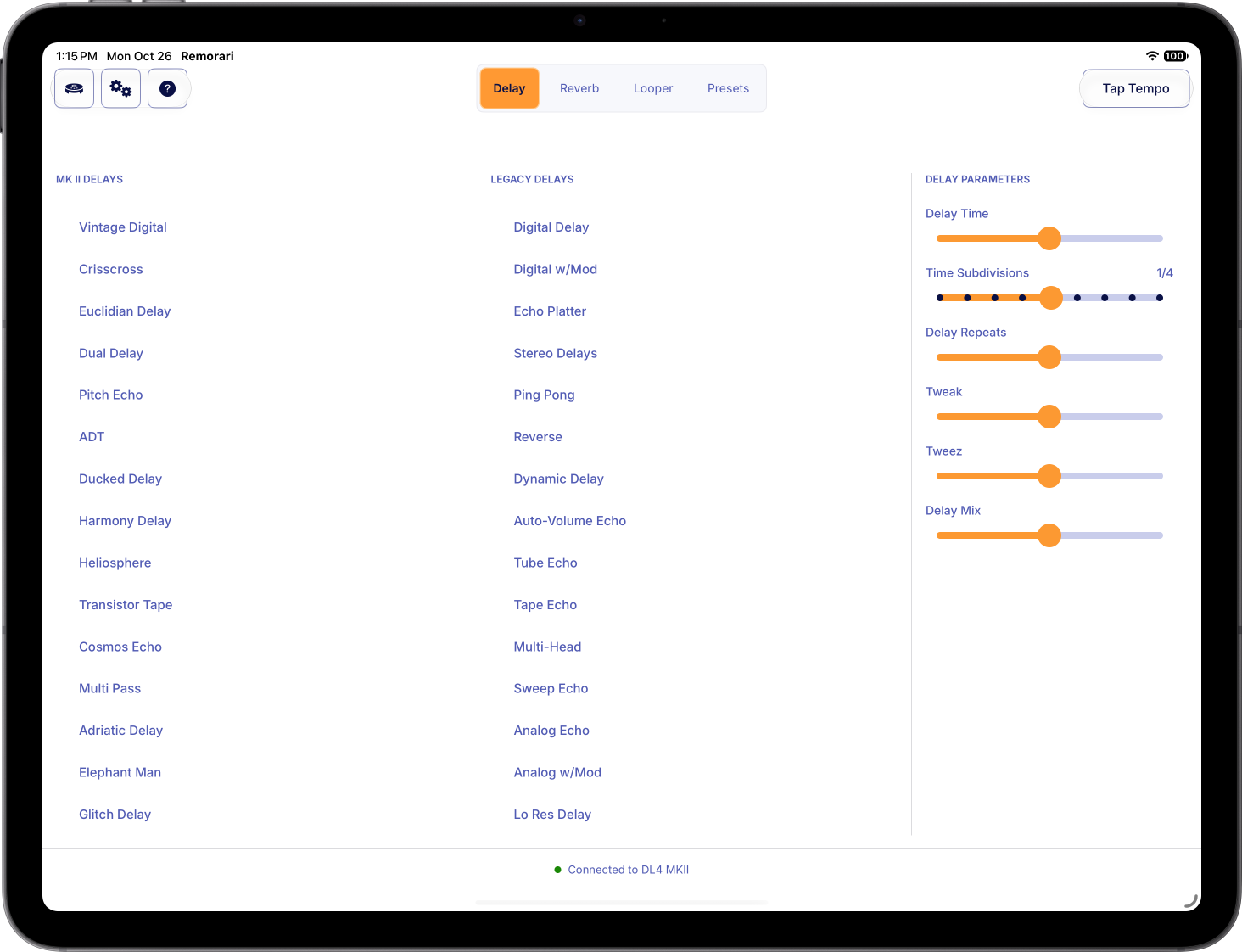
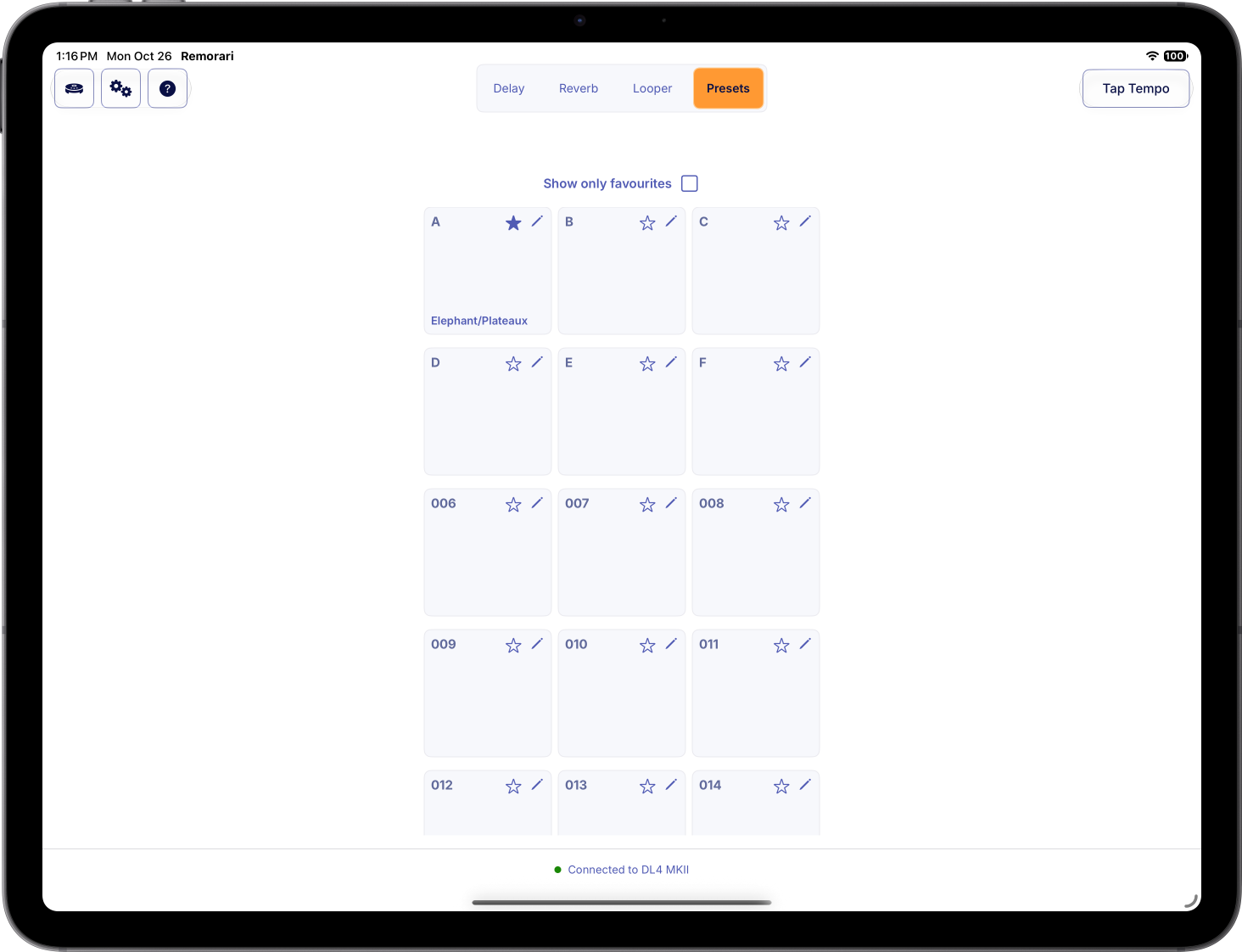
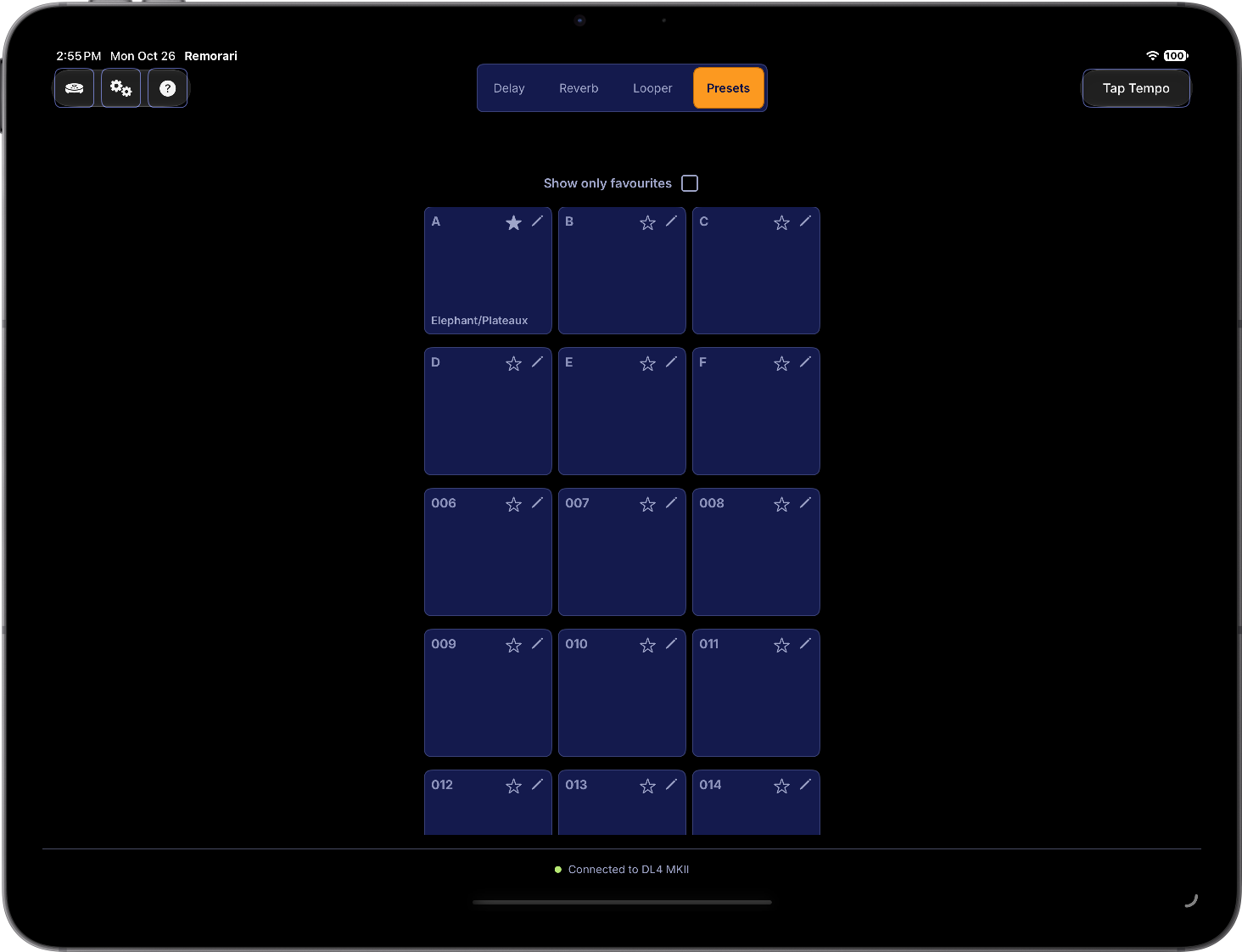
Currently, Remorari™ is available only for MacOS devices running version 15.7 or later and iPadOS devices running version 18.6 or later.
No. Remorari™ for Apple devices will be sold as a 'bundle', so you should be able to buy it once and run it on all compatible Apple devices.
Remorari™ relies on Apple's MIDI implementation to detect connected devices, and will report all connected MIDI devices. If you can successfully connect your pedal and it is visible to other MIDI applications (e.g. MacOS's built-in "Audio Midi Setup" application), then Remorari™ will be able to connect. During development and testing, the following connection methods were tested:
On iPads with a Lightning port, Remorari™ has been tested using Apple's Lightning to USB 3 Camera Adapter, connecting to DL4® MkII using a USB-A to USB-C cable, and using a USB MIDI interface to connect via the pedal's MIDI ports.
On iPads with a USB-C port, Remorari™ has been tested by connecting directly to the pedal using a USB-C cable.
On Mac computers, Remorari™ has been tested by connecting directly using a USB-C cable and a USB MIDI interface cable.
This is a limitation of the Line6™ DL4® MkII. It can receive MIDI commands, but it does not send any messages when its configuration changes. If you change a setting directly on the pedal while it is connected to Remorari™, the app does not know that the setting was changed.
If you do change a setting directly on the pedal, you can re-apply that setting from Remorari™ to bring the app back into sync.
A future version of Remorari™ will include the option to remember its current configuration between settings and re-apply those settings when connecting to the pedal
DL4® MkII does not provide a MIDI command to save the currently selected preset, so saving a preset works the way it normally does. The only difference is that you can use Remorari™ to select any of the 128 presets that are available for use:
From Remorari™'s Preset tab, select the Preset that you want to configure. The footswitch that corresponds to this preset will light up (as long as the looper is not active).
Configure your preset however you like.
Press and hold the lighted footswitch until it flashes rapidly. Your preset is now saved.
Please remember that only the first few presets are selectable directly from the Line6™ DL4® MkII. To select any of the other presets you must use Remorari™ or another MIDI application capable of sending the required MIDI command.
Remorari™ does not require you to log in, and it does not collect or store any of your data. Your preset information such as the name you give a preset button or whether it is a favourite is stored in your own private iCloud storage if you are logged into iCloud on your device. If you are not logged into iCloud, this data is stored locally on your device. Syncing preset names and favourites between devices requires that you are logged into your iCloud account, but that data does not leave Apple's servers and is inaccessible to Ludicrous Software.
If you wish to remove this data from iCloud, you can edit your presets from within Remorari™ to remove the name by entering an empty string for the name, and by un-favouriting your presets.
Changing/deleting preset names and favourites does not change the preset configuration on your pedal. How a preset is configured (the selected delay and/or reverb and related settings) is stored only on your pedal. If you don't have access to Remorari™ or stop using it entirely, any previously configured presets will still be available on your pedal, bearing in mind that you will need a MIDI application to access the higher-numbered presets, as usual.
Still have a question? Ask your question here
Although not one of them wrote a single line of code, your support of Remorari™ helps keep this bunch in kibble.






Have a question about Remorari, encountering any issues, or have an idea for how it could be improved? I'd love to hear from you!
I'll get back to you as soon as I can!